Page 2 of 2
Re: VLF-One Visual Notification on Main Panel
Posted: Tue Sep 15, 2020 12:09 pm
by MarkD
Do you mean it fails to close when the timer to automatically close fires?
If yes, I'd try adding some avTrace operations into the timer logic to confirm that it actually runs at all.
Re: VLF-One Visual Notification on Main Panel
Posted: Tue Sep 15, 2020 11:43 pm
by dhunt
No, that part works. see attachement below.
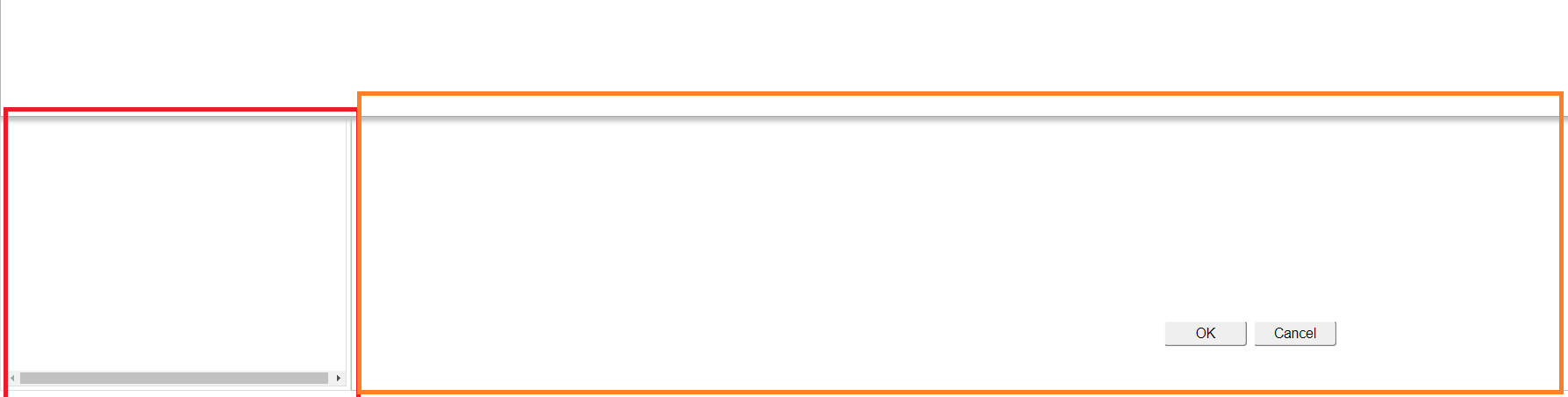
- Untitled4.png (7.35 KiB) Viewed 484924 times
the right side is an axes screen. it will NOT let me close the top slider but if i select in the smaller left box which is a filter it will close.
Re: VLF-One Visual Notification on Main Panel
Posted: Wed Sep 16, 2020 9:24 am
by MarkD
What action are you taking to try to close the slider?
i.e. Is the action by mouse click or by some programatic logic?
If it's a click and focus is in the aXes window/pane then the event is probably getting absorbed by it.
Re: VLF-One Visual Notification on Main Panel
Posted: Wed Sep 16, 2020 11:34 pm
by dhunt
it's a click by mouse. do you know how to have it not just be absorbed by the axes window and act like the filter?
Re: VLF-One Visual Notification on Main Panel
Posted: Fri Sep 18, 2020 11:04 am
by MarkD
If you are clicking on the filter pane or the aXes pane (i.e. somewhere outside the slider pane) to make the slider pane close then that is probably the issue.
Clicking on the aXes pane is behaving like clicking in any other 'external' web page - the click event goes into that web page, not up into the VLF container application.
You might be able to trap the click on the aXes 5250 screen and fire it as a 'Close any open Slider' VLF event up into the VLF container. Firing events from aXes JavaScripts scripts into VLF logic is pretty straightforward. This might be worth a quick experiment, but it might prove problematic if you need to hook up this click event handler every time a new 5250 aXes screen arrives.
----------------------------------------------------------------------------------------------------------------------------------------------------------
However, if you are actually clicking on the close button in the slider pane, and that's not working when the focus is in the aXes Window, then that's a different issue. In that case, try these temporary event handlers to try and see what's happening when you click on the close image.
Code: Select all
* -------------------------------------------------------------------------
Evtroutine Handling(#CLOSEIMAGE.Click) Handled(#Handled)

#Sys_web.Alert Caption("#CLOSEIMAGE.Click was fired")

Endroutine

* -------------------------------------------------------------------------
Evtroutine Handling(#CLOSEIMAGE.WasClicked)

#Sys_web.Alert Caption("#CLOSEIMAGE.WasClicked was fired")

Endroutine
Re: VLF-One Visual Notification on Main Panel
Posted: Fri Sep 18, 2020 11:04 pm
by dhunt
I added a close button to the pane in the slider. It doesnt show the CLOSEIMAGE until you dock the slider which we dont want to do and it already closes when you click outside the slider, which is what we want.