Page 1 of 1
Google Material Icons Font
Posted: Tue Oct 25, 2016 10:26 am
by Stewart Marshall
The Google Material Icons (
https://design.google.com/icons/) can be used in browser applications by making use of the Material Icons Font.
As the icons are delivered as a font, they follow the same styling rules as all other fonts, allowing the foreground color to be changed and the font to appear in many different sizes.
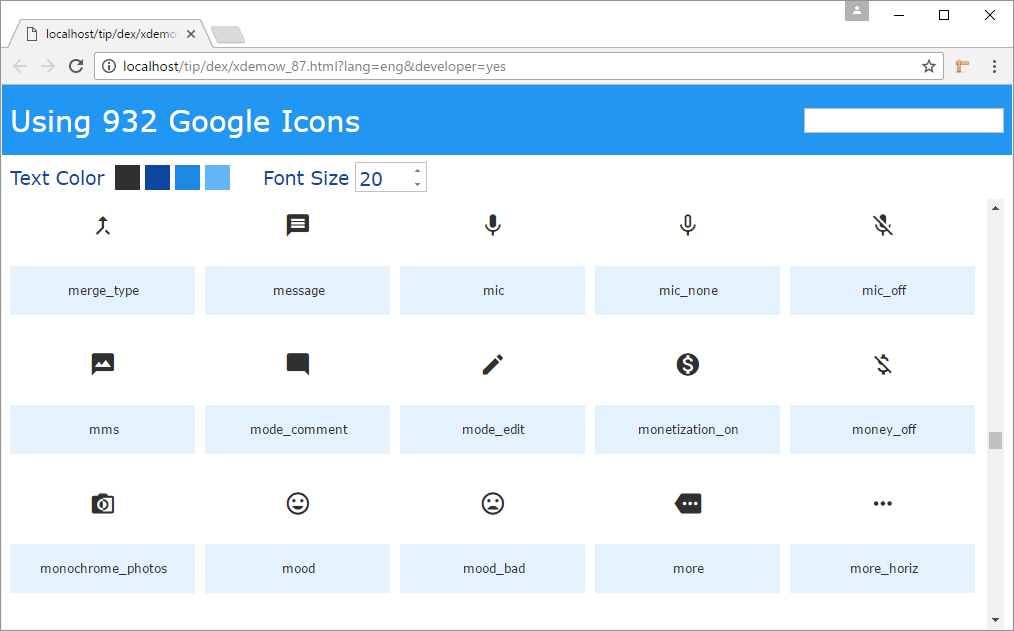
The attached import contains a Webpage, Reusable part and a Widget.
- Untitled.png (31.6 KiB) Viewed 95165 times
The page uses a Tile control with an individual tile for each of the 900+ listed icons. The IconName property of the widget is set to the required icon name and the icon will be shown at runtime.
Re: Google Material Icons Font
Posted: Tue Oct 25, 2016 3:54 pm
by Stewart Marshall
No sooner had I posted this than I was provided with a URL and code to get the icon names from github, so here's an updated version
Re: Google Material Icons Font
Posted: Thu Feb 02, 2017 11:41 am
by soa
I've downloaded this project but I'm having some issues. Running under debug I get as far as the line.
#GetIconNames.ExecuteAsync
In the browser it immediately displays
Fatal Error:
Failed to load /lansa/v40/xdemo_65.js?v=1485995731_dev
Reported By:
http://localhost/lansa/lansa_14_1_0_3/lansa.js, line 18
However, in the debugger the code keeps running and I can see the icon list returned and parsed out.
Any ideas?
Re: Google Material Icons Font
Posted: Thu Feb 02, 2017 5:22 pm
by Stewart Marshall
Have you compiled both the WebPage and the reusable part (xDemoWebGoogleIconTileDesign)?
Re: Google Material Icons Font
Posted: Fri Feb 03, 2017 9:58 am
by soa
You are correct, I hadn't compiled the tile design. After compiling all the RPs I still had an issue because I hadn't compiled the widget. It is now working.
There must be a better way to handle this. The error message doesn't always tell where the problem is and as only the short name is displayed it is difficult to locate the offending object. I'd like to be able to see the web pages dependencies in a single view and compile them with a single click.
Re: Google Material Icons Font
Posted: Fri Feb 03, 2017 10:55 am
by MarkD
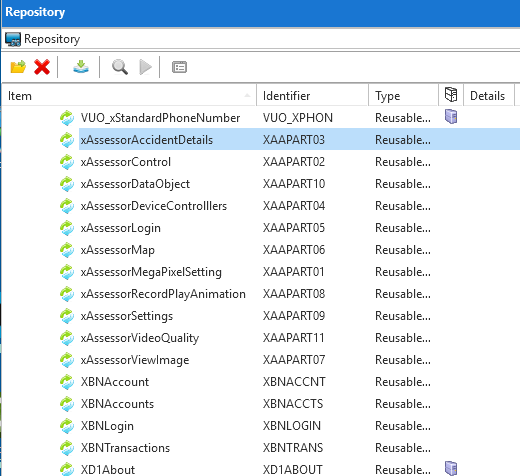
I find displaying the name and ID together in the IDE to be useful at times
- Capture.PNG (35.16 KiB) Viewed 94985 times
Re: Google Material Icons Font
Posted: Fri Feb 03, 2017 2:25 pm
by soa
Mark
You are right but when you have a runtime error in XAAPART03 tracking that down is not easy when the full name could be nothing like it
Re: Google Material Icons Font
Posted: Tue Mar 13, 2018 5:34 pm
by dominique
Hi
I tried to work with the Google Icon Fonts.
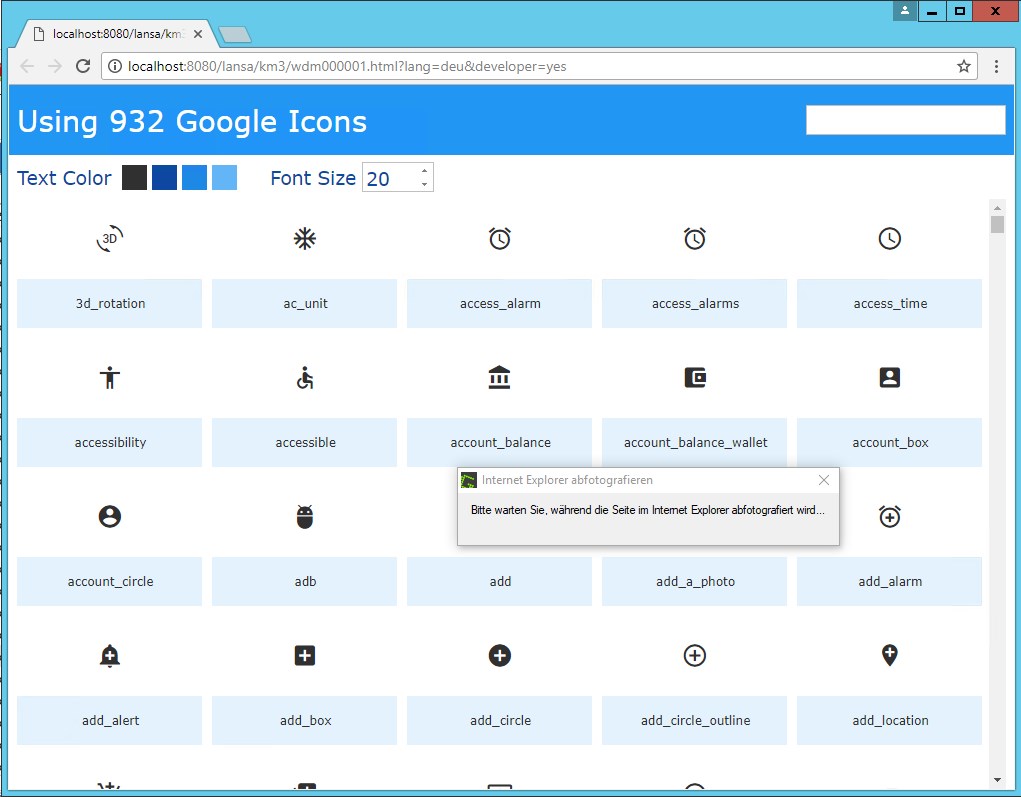
The icons are displayed locally on server:
- Bild000019.jpg (107.27 KiB) Viewed 94139 times
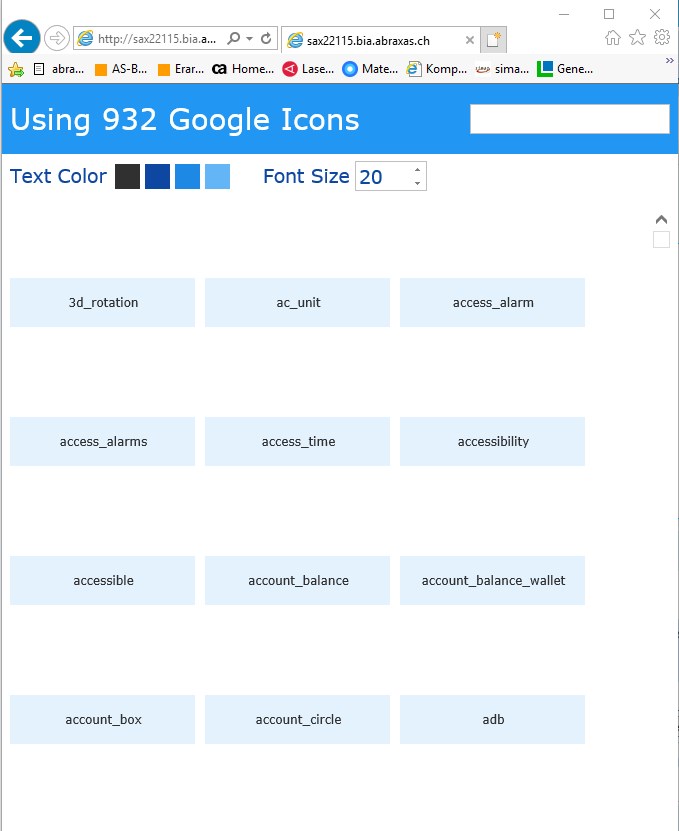
...but on on a client
(IE)
- ie.jpg (62.47 KiB) Viewed 94139 times
(FF)
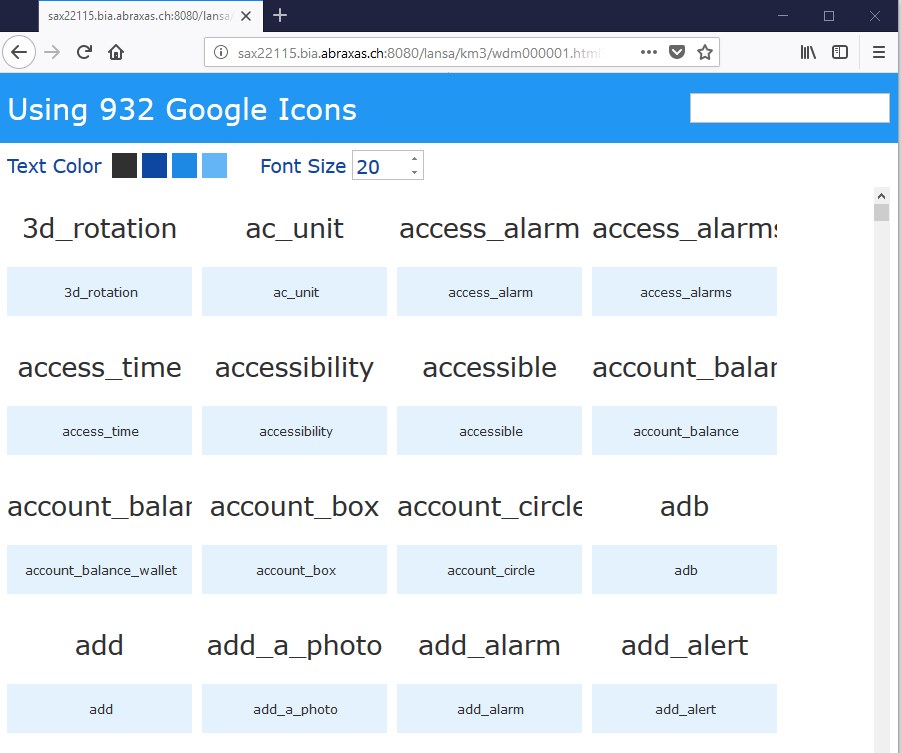
- ff.jpg (103.14 KiB) Viewed 94139 times
Does anybody know what I'm doing wrong?
Re: Google Material Icons Font
Posted: Thu Mar 15, 2018 12:40 pm
by GregSippel
Dominique,
I suggest first check that the browser on the machine you are using is able to load the following urls,
https://fonts.googleapis.com/icon?family=Material+Icons
https://fonts.gstatic.com/s/materialico ... DsNc.woff2
The widget used in the example provided must download these files in order to display the icons. This download is done on the client PC by browser used. If either file cannot be downloaded, you will get an effect similar to the above.
Hope this helps
Re: Google Material Icons Font
Posted: Thu Mar 15, 2018 5:21 pm
by dominique
Thanks Greg
I can load both URLs without Problems.
Any other ideas?
regards
Dominique
Re: Google Material Icons Font
Posted: Fri Mar 16, 2018 10:54 am
by GregSippel
When running the VL web page, have a look at the browser console and see if you are getting any errors. The issue could be related to cross-site scripting.
Hope this helps
Greg