Page 1 of 1
Creating Templates
Posted: Wed Mar 08, 2017 10:03 am
by jyoung
I would like to create my own template that we can use. Currently I have it in a text file that I copy over when I need it.
When I try to create a template, the Template option is greyed out. I assume this means that I don't have permission to do this.
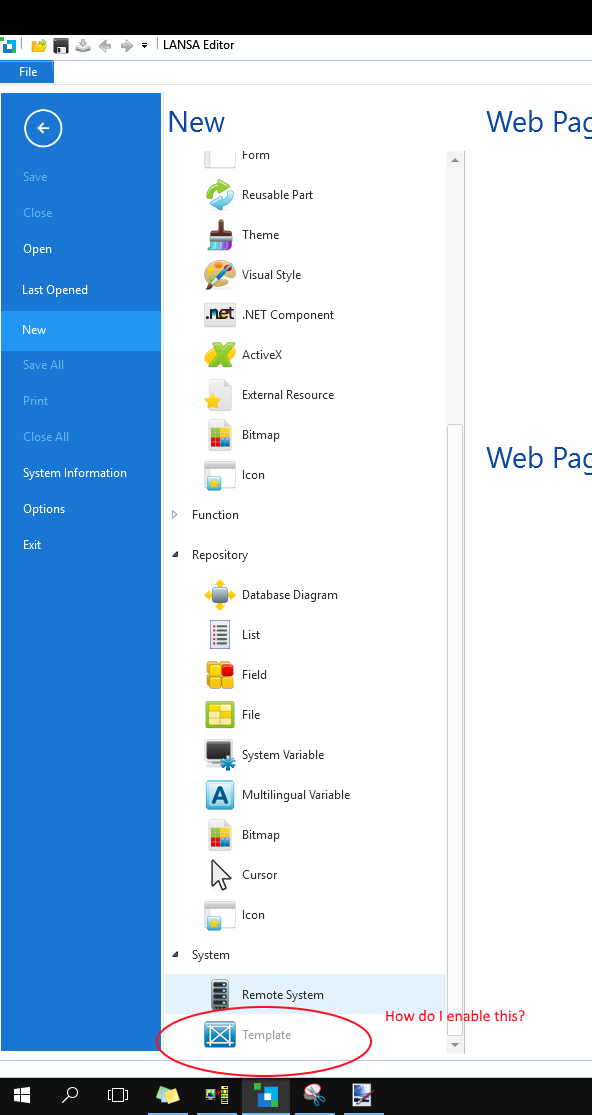
- enable template.png (63.92 KiB) Viewed 11345 times
So my question is how do I enable the "New Template" option to create my own templates?
Re: Creating Templates
Posted: Thu Mar 09, 2017 11:28 am
by bark
You can create new templates in VL only if you have a VL independent install.
Re: Creating Templates
Posted: Thu Mar 09, 2017 11:40 am
by bark
Oops, I pressed submit by accident on my last response.
If you are using a slave installation (to an IBM I master), then the application template needs to be created on the IBM I and you can use the Host monitor to check ut out to VL.
http://docs.lansa.com/14/en/lansa065/in ... j_0001.htm
Re: Creating Templates
Posted: Fri Mar 10, 2017 1:07 am
by jyoung
I am in fact on a slave setup.
Don't think I would have figured that one out.

Thanks!
Re: Creating Templates
Posted: Fri Mar 10, 2017 2:42 pm
by bark
Actually, I wasn't entirely happy with my response to so I've looked at this again. Its been a long while since i had looked at this area but it didn't seem right that if you could checkout and checkin using the host monitor, that you can't also create locally (just like you can create any other object locally and checkin/checkout).
And sure enough, I can create a template locally and then check it in.
My New --> Template option was definitely greyed out yesterday but is not greyed out any longer. Do a refresh master objects, select templates and then try the new option again.
Re: Creating Templates
Posted: Sat Mar 11, 2017 8:35 am
by jyoung
Still not working for me. I went into the Housekeeping menu, and selected "Review user access to LANSA system" and set everything to "Y" for myself and I still can't create one locally.
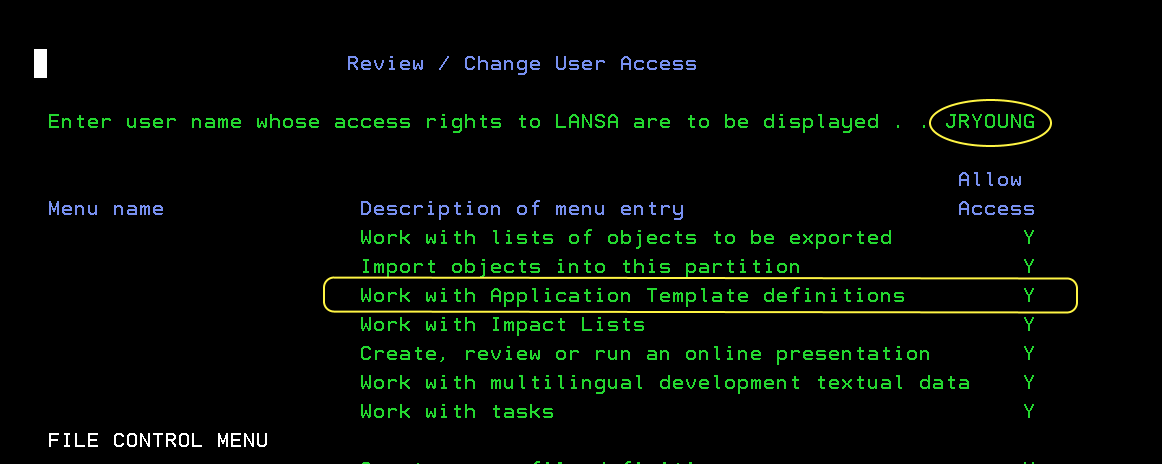
- allow access.PNG (13.08 KiB) Viewed 11268 times
I created one on the iSeries and checked it out, but when I try to open it I am told I don't have privileges to edit objects of this type
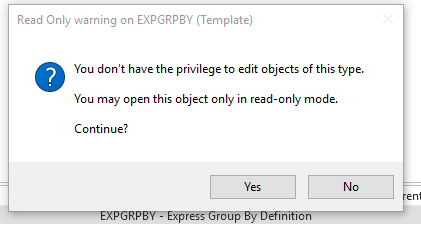
- no privilege.png (9.09 KiB) Viewed 11268 times
I added myself to the Change Object Access screen.
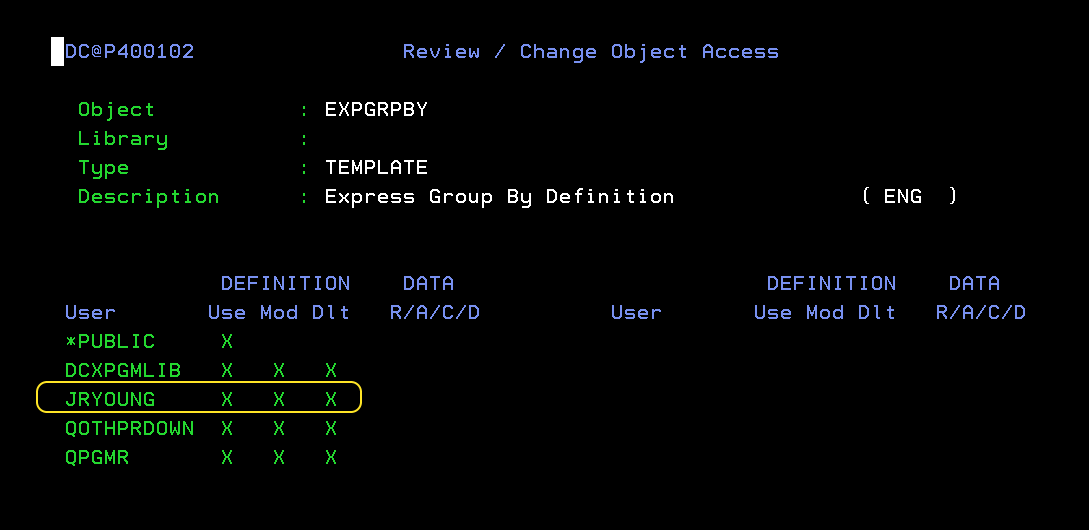
- change object access.PNG (8.97 KiB) Viewed 11267 times
And still could not open the template.
They only way I have been able to do so is by being logged in as the PSO (DCXPGMLIB)
Re: Creating Templates
Posted: Mon Mar 13, 2017 8:11 am
by atostaine
not in front of a green screen but there is a different option you can try. its called authorize user to lansa or something. look to see if there is an selection for templates