Page 1 of 1
VLF One and Themes
Posted: Fri Jan 25, 2019 3:16 am
by Eugene
I've been experimenting with using a customiser reusable for VLF-One and a custom theme in order to run the VLF One application using a my own set of colours.
One area I would like to change is the background bar showing the active applications. This is currently set to white and I can't find any way of changing this.
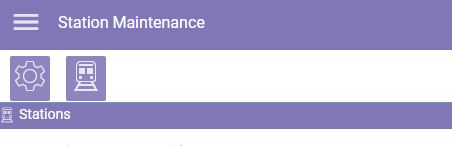
- VLF One Application bar.JPG (14.59 KiB) Viewed 7042 times
Does anyone know if it is possible to change the background and font colour?
Re: VLF One and Themes
Posted: Fri Jan 25, 2019 9:52 am
by MarkD
The application bar adopts (inherits) its background color from the main form area.
If you change the VF_SY170O theme property BaseFormBackgroundandFont to use, for example, Normbackcolor(Red) you can see how both the active application bar and the main form area change:
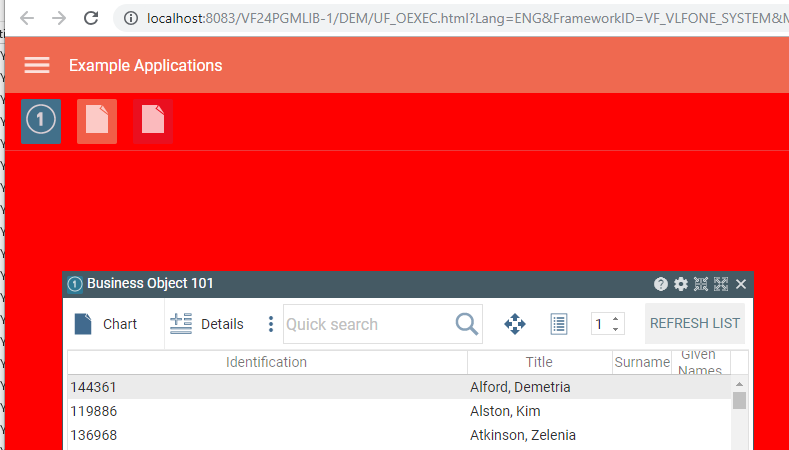
- Capture.PNG (29.26 KiB) Viewed 7029 times
So it does not look like you can change the bar background independently.
Re: VLF One and Themes
Posted: Fri Jan 25, 2019 8:04 pm
by Eugene
Thanks Mark. Worked a treat. Almost there! Now is there a way to make the icons use the same background colour without changing the colour of the title bar? So in the example below I want the ICON to have the same background colour but everything else to remain the same.
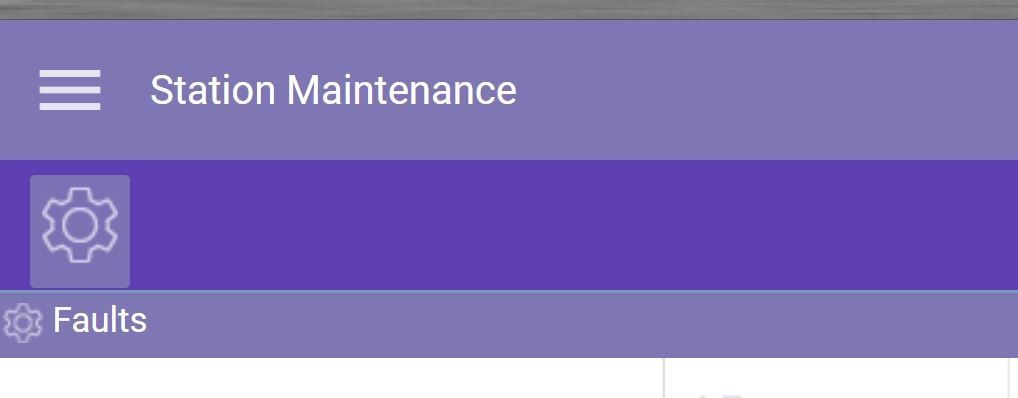
- VLFOneToolBar.JPG (28.11 KiB) Viewed 7019 times
I've tried setting UseDarkThemedIcons property to true but this does not seem to do anything at all. This 'IsDarkTheme' property changes all the icons. I want the icon on the panel to stay the same.
Here is an extract from my Theme Cusomiser.
If (#Theme.SymbolicName = MTRCrossRail)
Set Com(#NewTheme.BaseFormBackgroundandFont) Normbackcolor('#673BB8') Textcolor(white)
Set Com(#NewTheme.FloatingPanel_AtFrontTitleStyle) Normbackcolor('#8177B7') Textcolor(white)
Set Com(#NewTheme.FloatingPanel_AtFrontBorderBrush) Color(white)
#NewTheme.UseDarkThemedIcons := True
#NewTheme.MaterialMenu_TitleBarHeight := 56
#Theme.UseCustomApplicationTheme <= #MTRCrossRailTheme
Else
* disable all other themes
#theme.Enabled := False
Endif
Re: VLF One and Themes
Posted: Tue Jan 29, 2019 11:10 am
by MarkD
In my previous example I changed the color associated with the business object examples 101, 102 and 103 to also be red, to match the background:
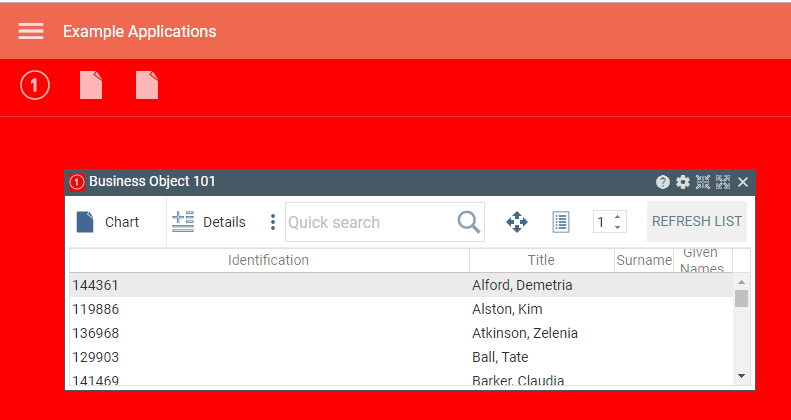
- Capture.PNG (24.85 KiB) Viewed 6993 times
The icons now have the same background color as the bar.
Not sure if this is what you want to do though?