Page 1 of 1
How to Export Data to .XLSX Format Instead of .CSV ?
Posted: Fri Jan 05, 2024 9:00 pm
by Albert
Hello everyone,
Happy New Year !

I'm currently facing an issue with exporting data to Microsoft Excel. When I use the option to send a list to MS-Excel, it downloads the file as a .CSV with a single line and semicolon separators. However, I need the list to be downloaded in the .XLS format with well-defined rows and columns.
Can anyone guide me on how to export a list directly to an .XLSX file instead of .CSV? Any advice or guidance would be greatly appreciated.
Thank you in advance for your help!
Re: How to Export Data to .XLSX Format Instead of .CSV ?
Posted: Fri Jan 05, 2024 10:16 pm
by Gilamonster
Hi Albert,
You have to check the list separator defined in your Windows Regional Settings.
By example, if you want to open CSV files produced by VLF-One one a French OS you need to change the list separator proposed by default.
£uSystem.DefaultCSVSeparator := £MyCSVseparator /*Séparateur de colonnes */
Replace the MyCSVSeparator with the value you have in your regional settings.
Typically, you can add this line in a method routine in your Custom Manager component.
Then you can open CSV files with MS Excel with data well formated.
Regards
Re: How to Export Data to .XLSX Format Instead of .CSV ?
Posted: Sat Jan 06, 2024 3:48 am
by Albert
Hello Gilamonster,
Yes, I'm already opening .CSV files, but the problem is with the format of the data. I changed the list separator from ';' to ','. However, the display of the data remains the same. Is there a way to download SQL filtered list data into an Excel .XLSX file?
Another point, please, how can I modify DF_T68H4O and run it from VLF after changing its name, since we know that the prefixes DF_ and UF_ need to be changed ?
Re: How to Export Data to .XLSX Format Instead of .CSV ?
Posted: Sat Jan 06, 2024 3:09 pm
by atostaine
If your file has the extension .csv excel will open it properly if it's comma delimited. Is the extension .xslx?
Re: How to Export Data to .XLSX Format Instead of .CSV ?
Posted: Sun Jan 07, 2024 6:34 am
by Albert
HELLO atostaine ,
Thanks for your feedback
I've successfully used Excel's "Text Import Wizard" to convert .CSV files into .XLS format, which works well for transformations.
But, can we download well-structured EXCEL .XLS files directly from VLF without going through the conversion from .CSV to .XLS?
Has anyone else tried using LANSA for this purpose?
Thanks!
Re: How to Export Data to .XLSX Format Instead of .CSV ?
Posted: Sun Jan 07, 2024 8:36 am
by atostaine
I think you need integrator to do that.
Re: How to Export Data to .XLSX Format Instead of .CSV ?
Posted: Sun Jan 07, 2024 8:43 am
by Albert
Hello atostaine,
OK,
Thank you,
Re: How to Export Data to .XLSX Format Instead of .CSV ?
Posted: Mon Jan 08, 2024 6:57 am
by René Houba
Hi Albert,
You can use the LANSA Integrator Excel Service for this:
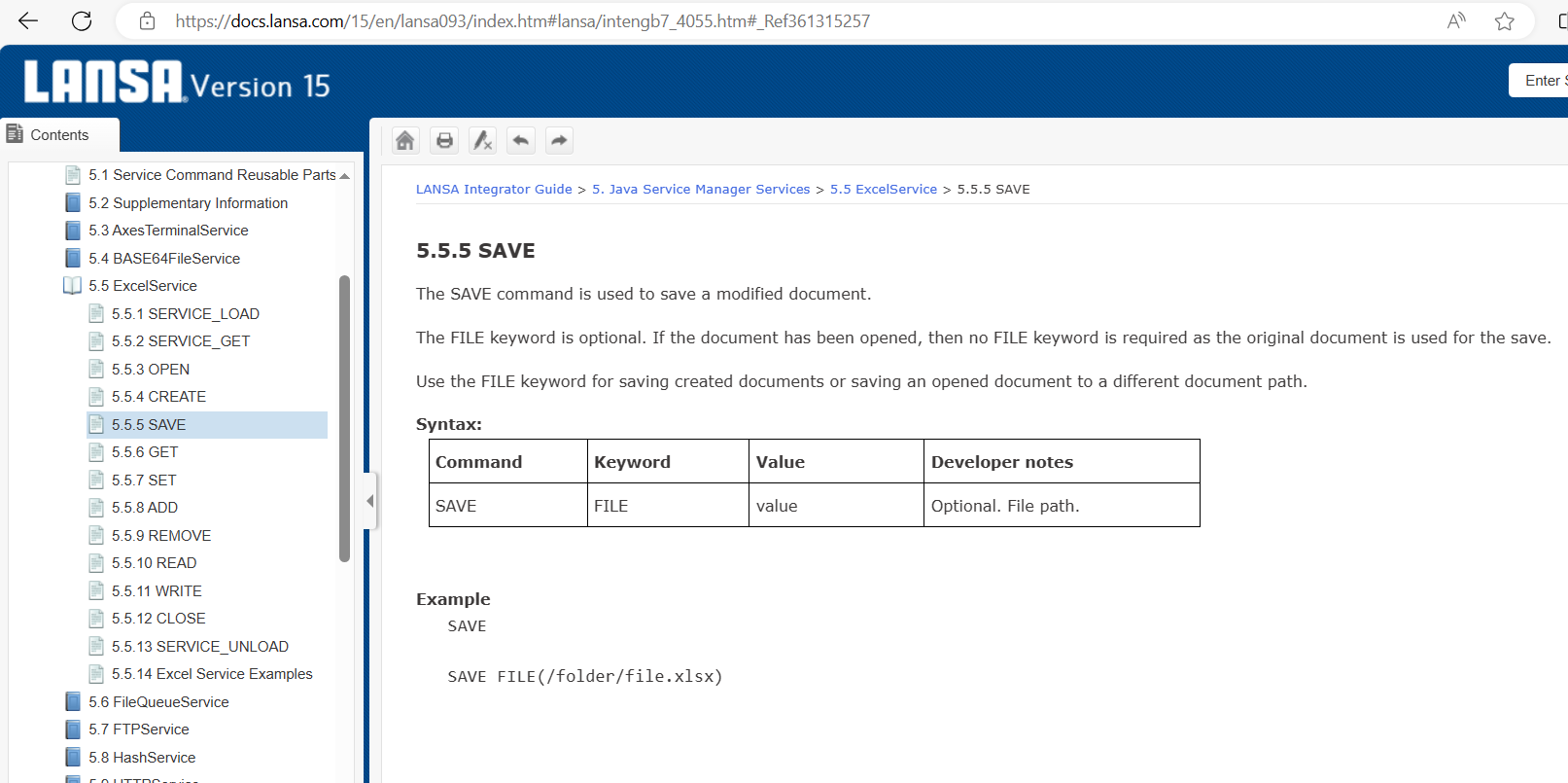
- XLSX save.PNG (119.69 KiB) Viewed 161411 times
Re: How to Export Data to .XLSX Format Instead of .CSV ?
Posted: Mon Jan 15, 2024 9:37 pm
by Gilamonster
Hi Albert,
In French, the decimal separator is a coma so you cannot not use a coma as list separator. It is why in your regional settings the defautl value for List separator is a semicolon (;). So, if you use in VLF-ONE the MS Excel export feature you need to replace the default CSV separator by a semicolon.
You just need to add a line of code
£USYSTEM.DefaultCSVSeparator := ';' in your own version of UF_OSYSTM reusable part.
Code: Select all
* Initialization
Mthroutine Name(uInitialize) Options(*REDEFINE)

* Do any ancestor logic
£COM_ANCESTOR.uInitialize

* Do custom logic
£MaximumOpenFilterandHandlerPanes := 10
£MaxiumQuickSearchSize := 200
£SharedMessageSetinTabletMode := True /* Use a single shared message set in tablet mode */

£USYSTEM.DefaultCSVSeparator := ';' /* List separator CSV pour MS Excel en Français */

* Only allow a restart button on small or medium size devices
£AVFRAMEWORKMANAGER.avShowRestartButton := (£AVFRAMEWORKMANAGER.avLargeScreen.Not)

Endroutine
Then automatically the generated CSV file will be open like an Excel Spreedsheet. No need to use code to do a conversion CSV => XLS or LANSA Integrator service to do that, it is nativly proposed by VLF-ONE !
Regards