Page 1 of 1
How to change the caption of the command handler
Posted: Tue Jun 17, 2025 6:25 pm
by piogaurav
I want to change the caption of the command handler. As you can see in the screenshot below, we are not getting the complete policy number. How can we retrieve the whole policy number?
Policy Number: 09 9000044634 X 00
Also, as you can see in the screenshot below, "inquiry" is the name of the business object. Now, we want to change this based on the condition. If the transaction is an "IN", then show "Inquiry". If the transaction is "NB", then show "New Business".
Re: How to change the caption of the command handler
Posted: Wed Jun 18, 2025 9:46 am
by davidbalansa
Hi,
You can change the Command Handler caption inside your command handler reusable part.
In the uExecute method routine, after you have retrieved the instance list values use:
#Com_owner.avHandlerCaption := 'Whatever you want it to be'
Regards
Re: How to change the caption of the command handler
Posted: Wed Jun 18, 2025 9:05 pm
by piogaurav
Hi davidbalansa,
Thanks for the solution, but I am displaying the RAMP screen on the command handlers. When I tried to edit the VF_CH006O reusable part of the command handler, I was not able to open that reusable part.
Do we have any other way to do the same?
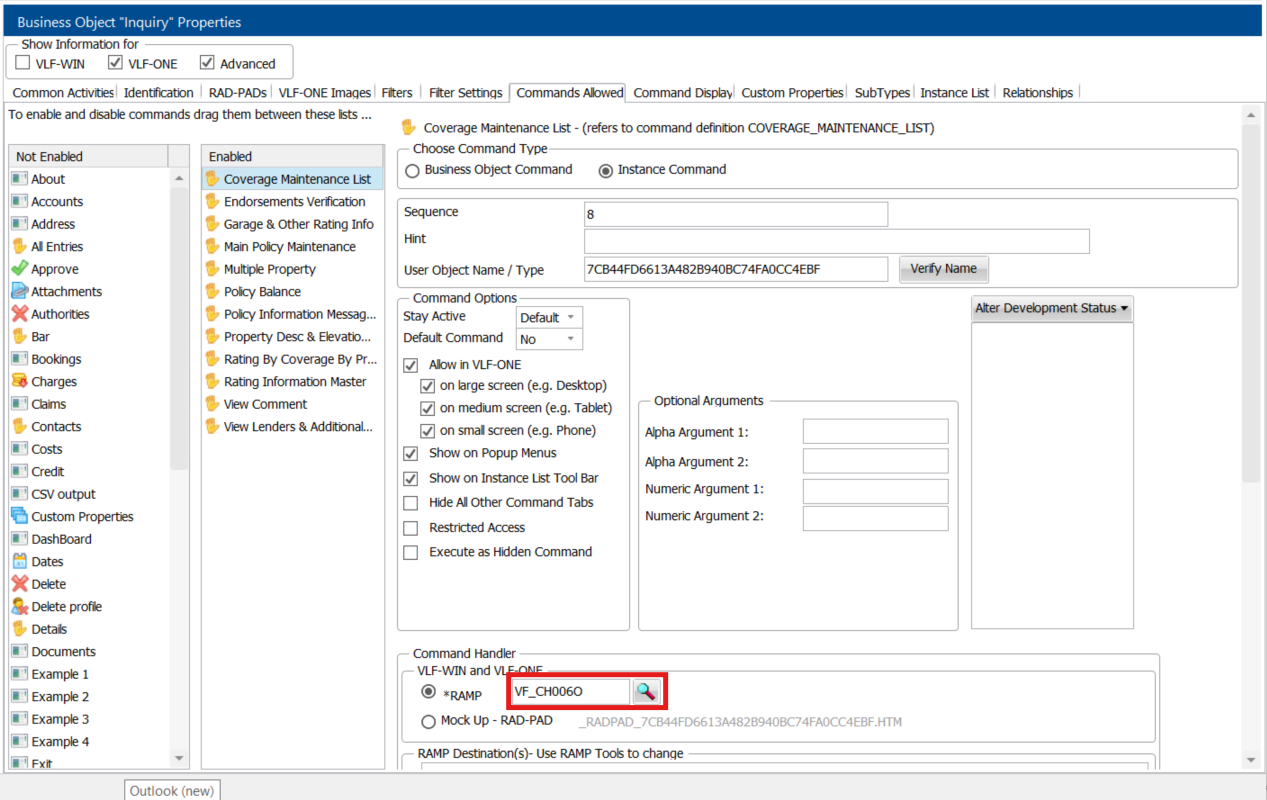
- command handler.png (332.84 KiB) Viewed 122500 times
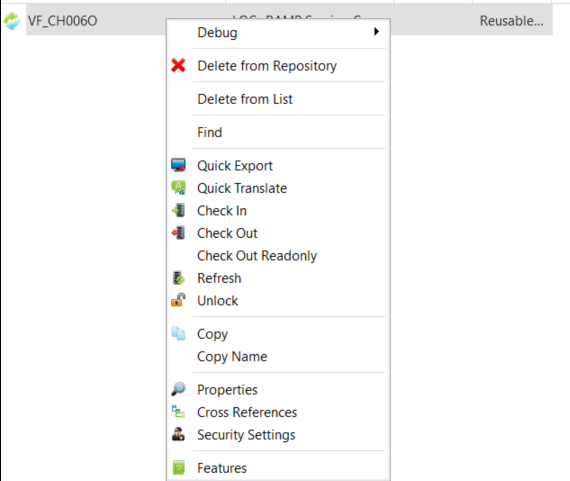
- VF_CH006O.png (51.26 KiB) Viewed 122500 times
Thank you
Re: How to change the caption of the command handler
Posted: Thu Jun 19, 2025 3:39 am
by Dino
From ramp you can refer to many objects in vlf like these:
http://docs.lansa.com/15/en/lansa050/in ... f130186090
But only for read...
You may have to signal an event in ramp passing whatever text you want from the script and the vlf component processing the signal may do the change for you
Re: How to change the caption of the command handler
Posted: Thu Jun 19, 2025 8:27 am
by davidbalansa
Re: How to change the caption of the command handler
Posted: Tue Jul 01, 2025 9:20 pm
by piogaurav
Thank you for the help this is working fine.